Extract only the visa application pages an embassy follow-up email actually requested
Published
Application packets are often long, but consular follow-ups usually ask for a narrow set of pages. A smaller extract makes the reply cleaner.
Visa and immigration packets can easily stretch into long PDFs that combine forms, passports, bank statements, employment letters, cover notes, translations, and previous travel evidence. After submission, the embassy or visa center often sends a follow-up asking for clarification on only a few pages or one specific supporting section. Re-sending the whole packet again does not help the reviewer. It usually makes the answer harder to process.
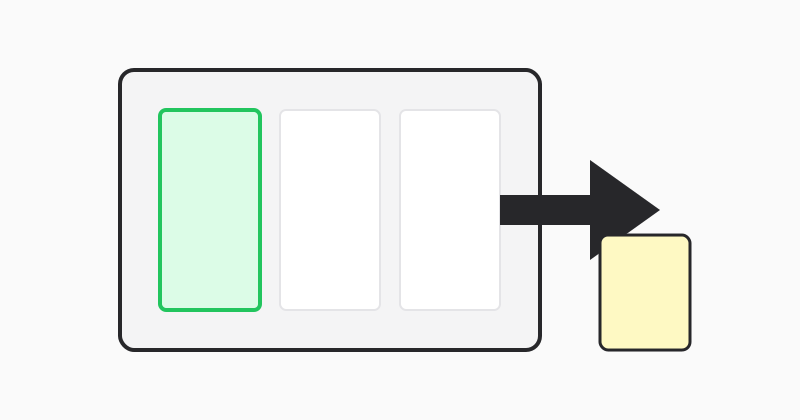
Reply with a smaller document when the request is narrow
If the follow-up message names only a bank-statement span, a translated certificate, or a single employment letter section, build a focused PDF around that request. Smaller evidence files reduce confusion and make it easier for the reviewer to confirm that you actually answered the question they sent.
Use exact ranges when requested pages are not next to each other
Embassy requests sometimes cover a mix of unrelated pages from across the packet. That is where page-range extraction becomes useful. One output PDF can combine those non-contiguous pages so the reviewer opens one attachment and sees only the relevant proof.
Use LovePDF extract for the consular reply packet
Open Extract pages, upload the original application PDF, enter the pages named in the follow-up request, and export the smaller response file. Save it with a subject-aligned filename so your email and attachment remain easy to track.
Try this tool
Extract pagesRelated topic hubs
Short guides around searches that match this article — each links to a suggested PDF tool.