Convert a resume and cover letter from Word to PDF before sending them to recruiters
Published
Job documents are often edited in DOCX but shared as PDF for cleaner formatting and more predictable reading on the recruiter side.
Resumes and cover letters often go through many Word edits before they are ready to leave your laptop. You might tailor the summary, swap keywords, adjust dates, or rephrase bullet points for each application. But once the documents are ready to send, recruiters usually benefit more from a fixed-format PDF than from a live DOCX that can reflow differently across software and operating systems.
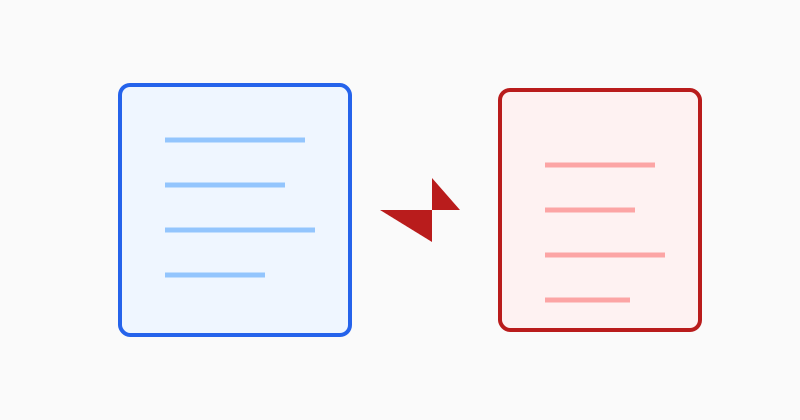
PDF is usually the safer send format for applications
A PDF keeps your resume presentation more stable when hiring teams open it in different viewers. That matters for spacing, line wraps, two-column layouts, and header sections that can shift unexpectedly in Word-compatible editors you do not control.
Check page breaks before attaching the file
Small adjustments in Word can push a bullet or heading onto the next page, especially in a tightly designed resume. After conversion, open the PDF and make sure section spacing, contact details, and final-page breaks still look intentional.
Use LovePDF Word to PDF for the application copy
Open Word to PDF, upload the resume or cover letter DOCX, and export the final PDF attachment. Keep the editable Word source for future tailoring, but send the polished PDF when you want more predictable formatting.
Try this tool
Word → PDFRelated topic hubs
Short guides around searches that match this article — each links to a suggested PDF tool.