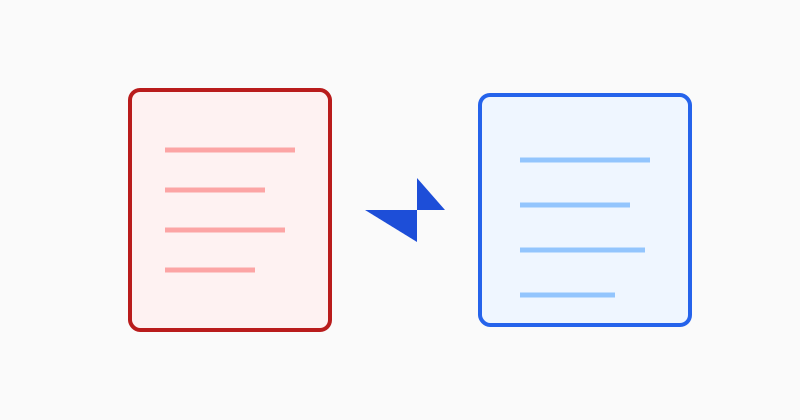
PDF to Word full workflow for Indonesian contract edits: convert, fix, export back

Published

Complete guide for conver pdf to word searches — text PDF vs scans, table cleanup, split annexes, merge back, LovePDF without watermark.

Indonesian teams search convert pdf to word (often typed conver pdf to word) when legal or sales must edit clauses locked in PDF. LovePDF at lovepdf.lt converts in the browser—no LibreOffice install on every laptop. This workflow covers: assess source quality, convert, clean styles in Word, export back to PDF, and when to split instead of converting a 200-page master.

PDF converted to editable Word for contract negotiation
Review headings and tables in Word before sending externally.

Text PDF vs pure scan

Exports from Word/Google Docs produce editable paragraphs. Flat scans without OCR stay images—you cannot edit body text meaningfully. Check by selecting a sentence in your PDF viewer before converting.

Convert on LovePDF

Open PDF to Word, upload the contract annex (not the whole tender pack if only chapter 4 changes). Download DOCX and fix heading styles and table widths before external send.

When to split first

For a 180-page master, use Split PDF to extract only the module you need—faster conversion and cleaner DOCX. See our split PDF for invoice modules guide.

Split a large PDF before converting only the section you need
Confirm page ranges against the table of contents.

Export back to PDF after edits

After negotiation, Word to PDF for the client-facing version. Embed fonts in Word when possible. If the portal caps size, one Compress PDF pass on the final export.

Merge updated annex into the master

Replace the old annex in your folder, then Merge PDF the full package in checklist order again—do not email partial updates without version numbers.

Artikel terkait

Try this tool

PDF → Word

Short guides around searches that match this article — each links to a suggested PDF tool.