Reduce PDF file size for Argentina municipal portals: realistic targets
Published
Long guide for bajar el peso de un pdf — what compresses well, scan limits, one-pass workflow, and when to split instead.
Searches for bajar el peso de un pdf spike when municipal and provincial portals in Argentina reject uploads over 2–10 MB. LovePDF Compress PDF runs server-side—you only need a browser. This guide sets realistic expectations: text PDFs shrink; full-page photo scans may barely move.
Know the portal limit first
Read the error message or FAQ before compressing blindly. Target one MB below the cap to leave headroom for metadata.
Office PDF vs scan-heavy stacks
Contracts exported from Word compress well. Stacks of 300 dpi phone scans of IDs and notarized pages often need fewer pages or lower scan DPI—not five compression passes.
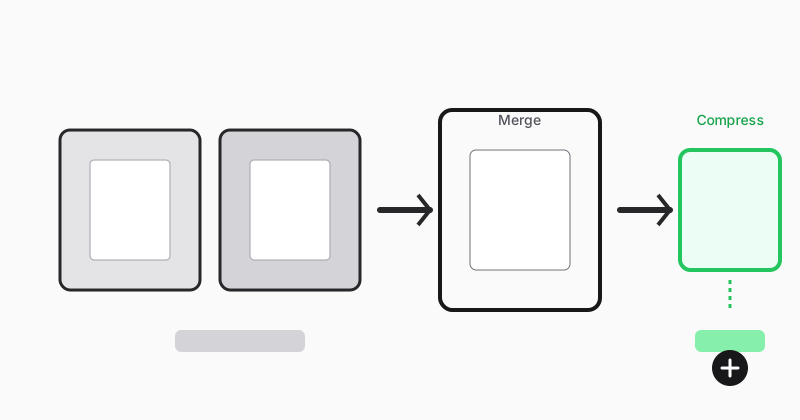
One pass, then visual review
Compress once, open at 100% zoom on signatures and small print. If still too large, Split PDF secondary annexes into a second upload if the portal allows two files.
Keep an uncompressed archive
Store the original for audits; send the compressed copy to the portal only.
Related: compress without losing text quality, compress before upload.
Try this tool
Compress PDFRelated topic hubs
Short guides around searches that match this article — each links to a suggested PDF tool.