Compress a conference handout PDF before the speaker portal rejects the file size
Published
Event portals often cap uploads while speakers still want a polished PDF handout. A smaller copy can be enough for attendee distribution.
Conference and event teams often ask speakers to upload session handouts through a central portal. Those portals are convenient, but they also tend to impose aggressive size limits. That becomes a headache when the handout PDF includes full-page visuals, diagrams, annotated screenshots, or supporting appendix pages. The file that looks polished on your laptop can be too large for the final submission form.
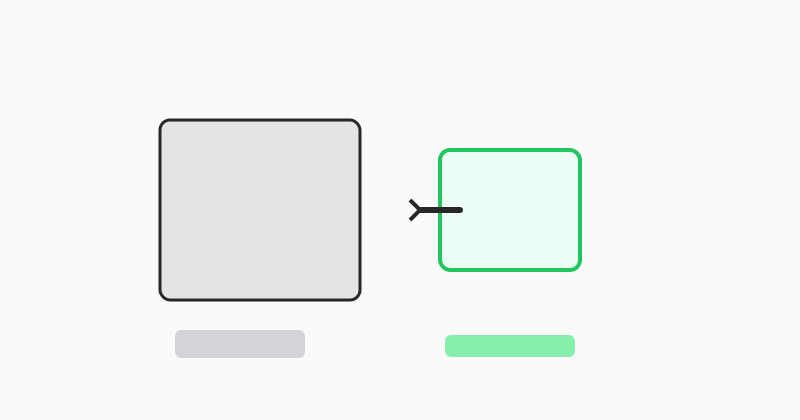
Create a lighter distribution copy instead of replacing the source
The original handout may be your master archive or the version you want to keep for future reuse. Compressing a copy for portal upload is a safer workflow because it separates the distribution file from the design source. That way you can meet the event requirement without losing the original handout you may want to revise later.
Compare legibility, not just file size
Attendees still need to read the result on phones, tablets, and laptops. After compression, check charts, small labels, and screenshot text. A file that is technically smaller but noticeably harder to read may create more friction than it solves.
Use LovePDF compress before publishing the attendee handout
Open Compress PDF, upload the handout copy, export the lighter file, and retry the portal upload. If the PDF is still too heavy, remove nonessential appendix pages and compress the trimmed copy again.
Try this tool
Compress PDFRelated topic hubs
Short guides around searches that match this article — each links to a suggested PDF tool.