Extract the exact tender annex pages a procurement team asked you to clarify
Published
Bid folders often contain one master PDF, but follow-up questions usually concern only a few annex pages. A smaller extract keeps the response focused.
Procurement submissions often travel as one long PDF that combines cover letters, certifications, price schedules, technical responses, and appendices. After the first review, the buyer may ask for clarification on only a narrow set of pages: one equipment table, two compliance declarations, and a single appendix. Re-sending the full bid pack wastes attention and makes the reply look less controlled than it needs to be.
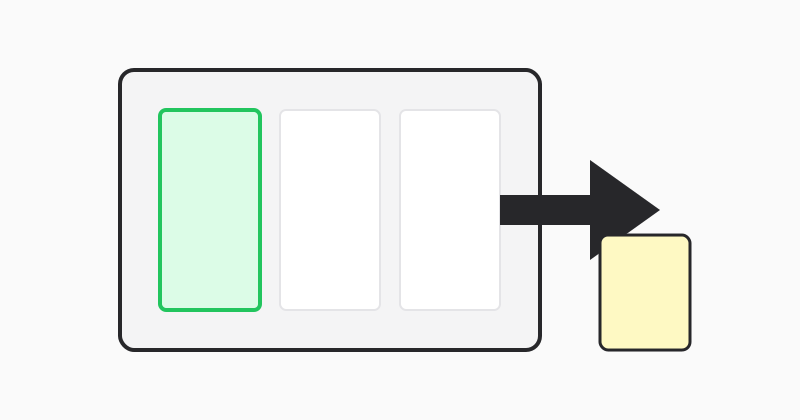
Extract only the pages tied to the question
If the procurement team names specific annex pages, extract that set and attach it alongside the written clarification. A tight supporting PDF helps reviewers verify your answer faster because they do not have to search across a hundred unrelated pages to find the referenced schedule or declaration.
Combine non-contiguous pages when the question spans multiple sections
Use comma-and-range syntax when the answer depends on several distant parts of the pack. For example, 14-16,28,44-46 can build one focused response file from different sections of the tender. That is especially helpful when compliance evidence and pricing notes live in separate appendices but need to be reviewed together.
Use LovePDF extract for the clarification attachment
Open Extract pages, upload the master tender PDF, enter the exact pages that support your reply, and export the smaller evidence packet. Save it with a name that mirrors the clarification topic so internal teams and procurement reviewers stay on the same page.
Try this tool
Extract pagesRelated topic hubs
Short guides around searches that match this article — each links to a suggested PDF tool.