Merge PDF for B2B quotes and contracts: full enterprise checklist
Published
Long-form guide for Vietnamese sales and procurement teams: appendix order, mixed scans, compress-after-merge, and portal upload without desktop installs.
Enterprise teams search for merge PDF when a client portal, bank KYC pack, or internal approval chain expects one attachment—not six separate exports. LovePDF runs in the browser at lovepdf.lt, which matters on locked corporate laptops where IT blocks installers. This guide walks through a repeatable B2B workflow: inventory appendices, merge in narrative order, quality-gate signatures, optionally compress, then upload with a versioned filename.
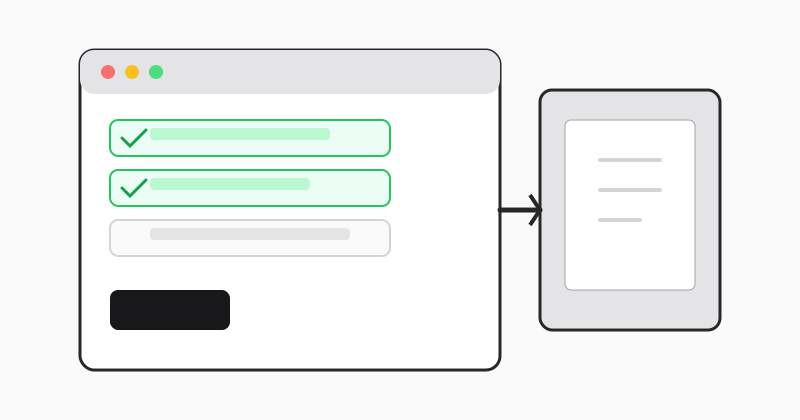
When one PDF beats six attachments
Procurement portals, insurer claim forms, and large buyer RFQs often cap attachments at one file or reject batches that arrive out of sequence. Merging creates a single scroll path for reviewers and prevents “please resend appendix 3” loops. Keep editable sources (DOCX, XLSX) in your project folder; publish PDF only for external handoff.
Build the appendix stack on paper first
Typical B2B quote packs include: cover letter, company profile, technical proposal, pricing table, legal terms, bank guarantee scan, and signed authorization. Number each segment on a checklist before you touch the file picker. If Windows sorts alphabetically, prefix filenames 01-, 02- so upload order matches your index.
Mixing Word exports and phone scans
Real packets combine crisp vector PDFs from Word with phone photos of stamped pages. After merge, scroll the entire file at 100% zoom—especially signature blocks and pricing tables. A blurry scan belongs in a rescan, not a second merge pass that hides the problem.
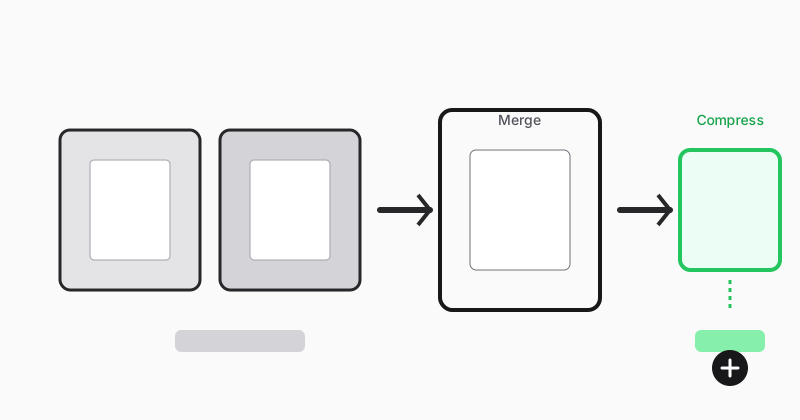
After merge: compress only if the portal demands it
Do not compress by default. If the portal shows a hard MB limit, run one compression pass on the merged file, re-open at 100% zoom, then upload. Repeated compression on scan-heavy PDFs rarely helps and can soften small text.
Step-by-step on LovePDF
- Finalize each appendix as its own PDF.
- Open Merge PDF and upload in checklist order.
- Download as
Quote-ClientName-2026-v2-merged.pdf. - Verify page count against your index; zoom key pages.
- If needed, Compress PDF once, then upload.
- Keep originals 24 hours until the recipient confirms download.
Reorder without starting over
If one appendix was wrong, replace that source PDF and merge again—do not patch inside the merged file unless you use Organize PDF pages for a quick page swap.
Related articles trên LovePDF
Try this tool
Merge PDFRelated topic hubs
Short guides around searches that match this article — each links to a suggested PDF tool.