Merge PDFs for construction bids when the portal allows only one upload
Published
Contractors juggle bond letters, COIs, and tech sheets minutes before deadline—here is how to sequence merges so reviewers see the same story your cover letter promises.
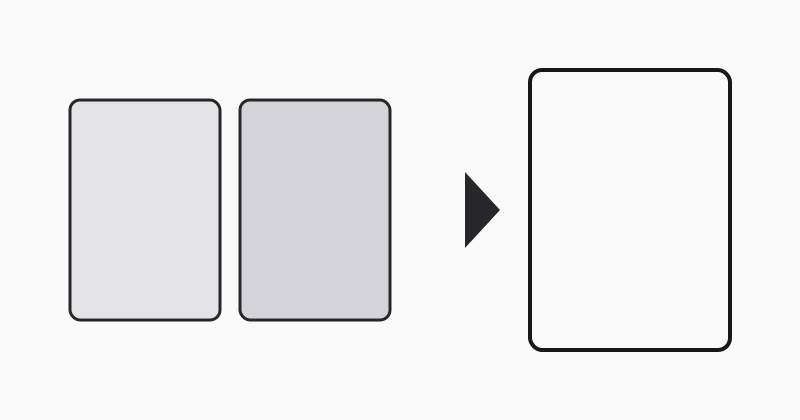
Procurement portals frequently cap submissions to a single PDF even though bond agents, insurers, and specialty subcontractors email separate files. The estimator’s cover letter references exhibits A through F, yet each exhibit started life as its own export from Word or a scanner app. Merging in the exact index order listed in the invitation keeps evaluators from downloading mystery attachments or assuming pages are missing.
Align filenames with the bid index
Rename sources using zero-padded prefixes (01-cover-letter.pdf, 02-schedule-of-values.pdf) before selecting them in LovePDF. Alphabetical sorting in macOS Finder or Windows Explorer will otherwise float “Insurance.pdf” ahead of “Scope.pdf” and scramble your compliance matrix.
Preserve vector drawings
Merge native PDFs directly instead of printing to TIFF first. Civil sheets and door schedules stay sharp when zoomed, which matters during plan review calls.
Ship with LovePDF
Queue the ordered stack in Merge PDF, confirm total page count against your checklist, then upload the merged artifact as the official portal file.
Try this tool
Merge PDFRelated topic hubs
Short guides around searches that match this article — each links to a suggested PDF tool.