Merge a lender closing packet into one PDF when the portal allows only a single upload
Published
Closing workflows often generate many separate PDFs. One ordered file makes lender upload and borrower review much smoother.
Real-estate closing workflows are notorious for scattering documents across many exports: commitment letters, disclosures, insurance proof, tax forms, identity pages, and signature-ready schedules. Yet the lender portal or post-close team may accept only one supporting PDF per checklist item. At that point, a merged packet is not just a convenience. It becomes the only practical way to upload the closing set without splitting the narrative across multiple threads and manual explanations.
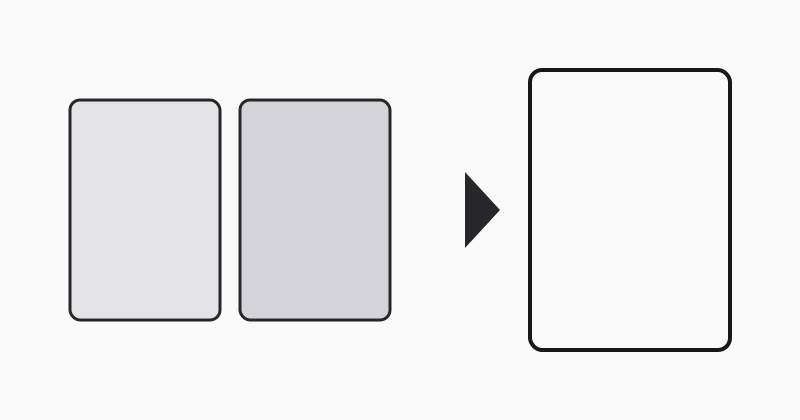
Build the packet in the same order as the checklist
Borrowers and closing coordinators lose time when the lender has to ask, “Where is the insurance binder?” or “Which page contains the notarized ID?” Put the file together in the same order as the checklist or settlement sequence so the reviewer can move from requirement to evidence without searching inside a stack of attachments.
Use one merged file as the submission copy, not your working archive
It is often smarter to keep the original PDFs untouched and create a separate merged submission packet. That way you preserve the source documents for audit, resend, or later corrections while still producing the single upload copy the portal requires.
Use LovePDF merge for the upload-ready closing file
Open Merge PDF, line up the lender documents in checklist order, and export one final PDF. Before upload, compare the merged page count against your closing checklist to make sure nothing was dropped or duplicated.
Try this tool
Merge PDFRelated topic hubs
Short guides around searches that match this article — each links to a suggested PDF tool.