Remove accidental blank pages before the print shop quotes perfect binding
Published
Duplex scanners insert empty leaves—those sheets still count toward spine thickness and price.
Marketing exports year-in-review PDFs from InDesign, then inserts scanned thank-you letters. Duplex scanners often insert blank pages that inflate page counts. Removing those indexes before requesting quotes prevents surprises when the shop calculates spine width for perfect binding.
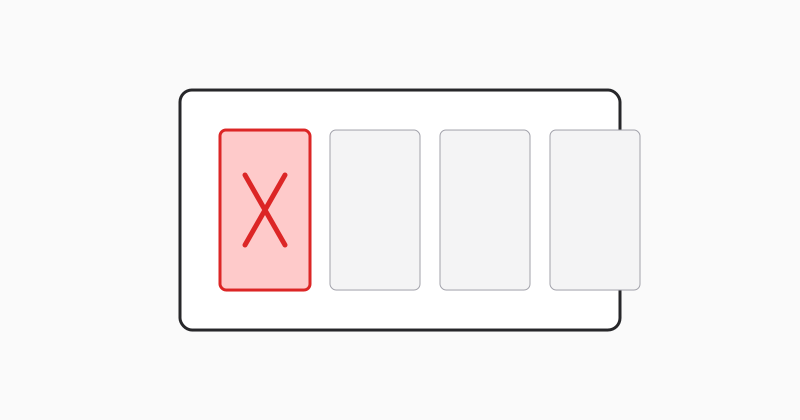
Preserve intentional blanks
Chapter dividers may be intentionally empty—confirm with design before bulk deleting “blank” pages.
LovePDF remove pages
Use Remove pages after thumbnail review, then re-upload to your printer’s portal.
Try this tool
Remove pagesRelated topic hubs
Short guides around searches that match this article — each links to a suggested PDF tool.