Split a PDF online: extract page ranges without re-scanning
Published
Separate one chapter, invoice batch, or appendix from a large PDF using page ranges in the browser.
Splitting helps when one recipient needs only part of a master file— a policy chapter, invoice subset, or training module. Range-based split avoids printing and re-scanning.
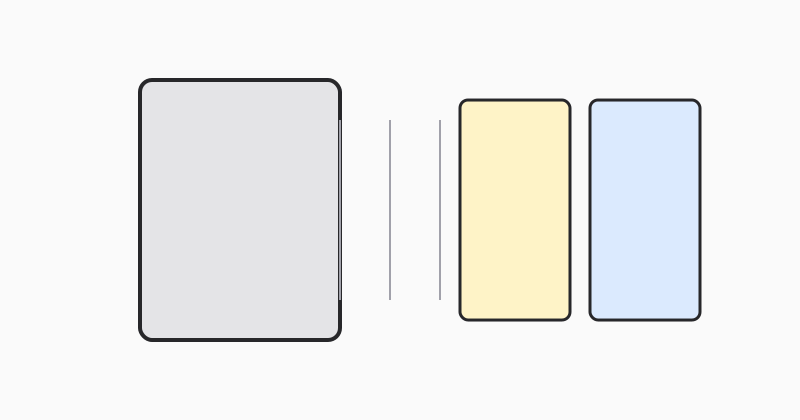
Map ranges to named outputs
Label exports by purpose (Module-2, Invoices-Q1) so recipients know what they received.
Keep the master PDF archived
Split copies are for distribution; retain the full source for updates.
Split with LovePDF
Open Split PDF, enter the page range, and download the smaller file.
Try this tool
Split PDFRelated topic hubs
Short guides around searches that match this article — each links to a suggested PDF tool.