Free PDF merge with no watermark: what to check before you upload
Published
How to combine PDFs online without logos stamped on every page — upload order, file limits, and privacy basics.
“No watermark” should mean the exported PDF contains only your content — no tool logo diagonally across pages, no footer ad, and no forced cover sheet. Always download and scroll the full file before sending externally.
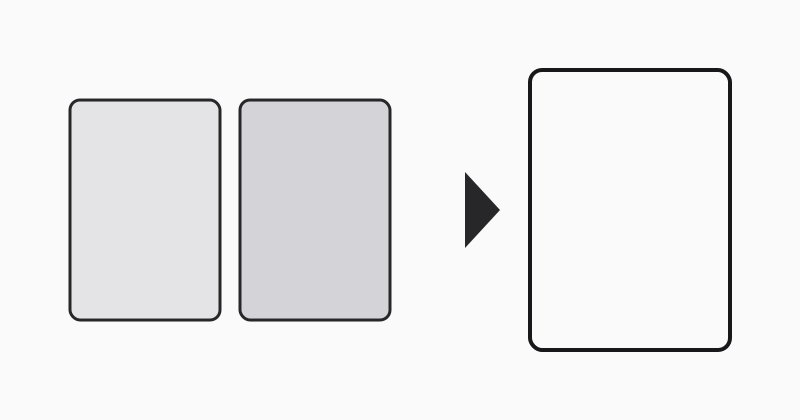
Upload order still matters
Watermark-free merge does not fix wrong sequence. Arrange files (01-, 02-) if your picker sorts alphabetically.
LovePDF merge
Merge PDF returns a clean combined file for typical office use. Read our security overview before uploading regulated data.
Try this tool
Merge PDFRelated topic hubs
Short guides around searches that match this article — each links to a suggested PDF tool.