LovePDF vs Adobe Acrobat : guide pratique Fusionner PDF sur LovePDF
Publié
Guide éditorial sur « LovePDF vs Adobe Acrobat » — checklist, conseils et lien vers Fusionner PDF sur LovePDF.
Ce guide sur LovePDF vs Adobe Acrobat résume les flux PDF courants : téléverser dans le navigateur, traiter une fois, vérifier le résultat. Ouvrez Fusionner PDF sur LovePDF — sans installation.
Checklist pratique
- Conservez les originaux jusqu'à validation visuelle.
- Préfixez 01-, 02- si le sélecteur trie par nom.
- Rouvrez le PDF dans un second lecteur après téléchargement.
Adobe Acrobat remains the reference for regulated PDF workflows, digital signatures, and redaction. Many day-to-day tasks — merging annexes, splitting a chapter, compressing a scan, or converting Word to PDF — do not require a subscription if output quality and privacy expectations match a browser tool.
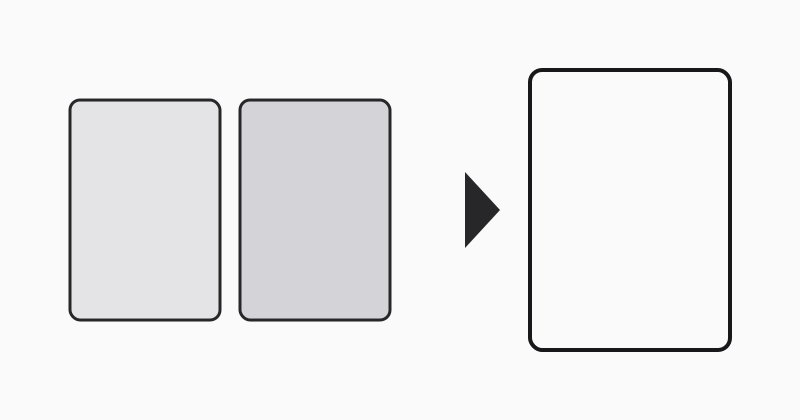
What LovePDF covers for free
LovePDF focuses on fast, repeatable jobs: merge PDF, split by page range, compress, Office conversions, and image exports. No account is required for standard uploads.
When Acrobat still wins
Legal redaction, certified signatures, accessibility remediation, and batch automation across thousands of files are Acrobat territory. If your compliance checklist names Acrobat specifically, keep desktop or Document Cloud for those steps and use LovePDF for ad-hoc prep.
Practical hybrid workflow
Merge and compress in LovePDF, then open the final PDF in Acrobat only if you must apply signatures or policy stamps. That split often saves subscription seats for teams that mostly combine and share documents.
Essayer cet outil
Fusionner PDFHubs thématiques associés
Guides courts autour de recherches liées à cet article — chacun mène à un outil PDF suggéré.