Extract only the scored sections from a 400-page RFP response PDF
Published
Evaluation committees rarely read every annex—pull the pricing workbook and technical narrative without mailing the entire binder.
Government and enterprise RFP responses bundle resumes, financial statements, and past performance proofs into one archival PDF. Scoring committees, however, often work from rubrics that reference specific sections such as “Attachment T – Pricing Model.” Uploading the entire response slows downloads on hotel Wi-Fi and invites reviewers to wander into irrelevant appendices. Extracting precise page ranges keeps the evaluators on-script.
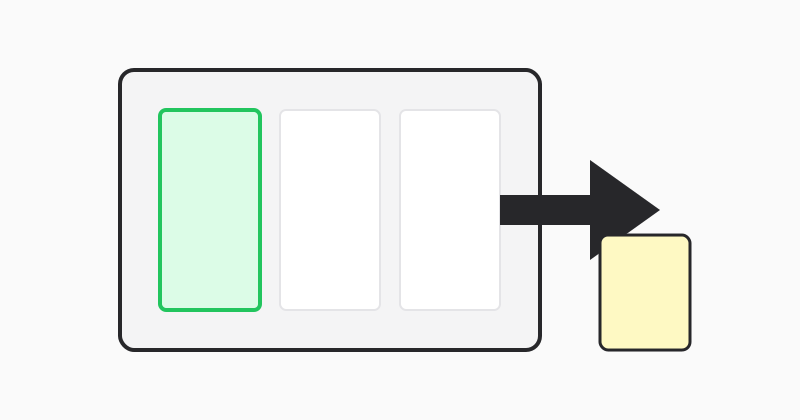
Mirror the compliance matrix
If your capture manager maintains a spreadsheet mapping exhibit letters to page spans, copy those spans verbatim into LovePDF to avoid human transcription errors.
Redact adjacent pages later if needed
When pricing sits adjacent to confidential staffing tables, extract a narrow range first, then review whether secondary passes need separate extracts.
LovePDF extract
Use Extract pages with the same range grammar documented in our split guide.
Try this tool
Extract pagesRelated topic hubs
Short guides around searches that match this article — each links to a suggested PDF tool.