Merge solar rebate PDFs into one portal upload with no added watermark
Published
Utility rebate portals accept one PDF for permits, invoices, and interconnection letters—merge in inspection order without diagonal branding on every page.
Residential solar rebate programs—state energy offices, municipal utilities, and federal tax-credit verification portals—increasingly cap uploads to a single PDF under ten or twenty megabytes. Homeowners collect building permits, installer invoices, interconnection approval letters, and site photos exported as separate PDFs from county clerks and electricians. LovePDF merge concatenates those files in the order inspectors reference on their checklist, returns a clean combined PDF without diagonal tool branding or footer ads, and lets you compress once if the merged packet still exceeds the portal ceiling.
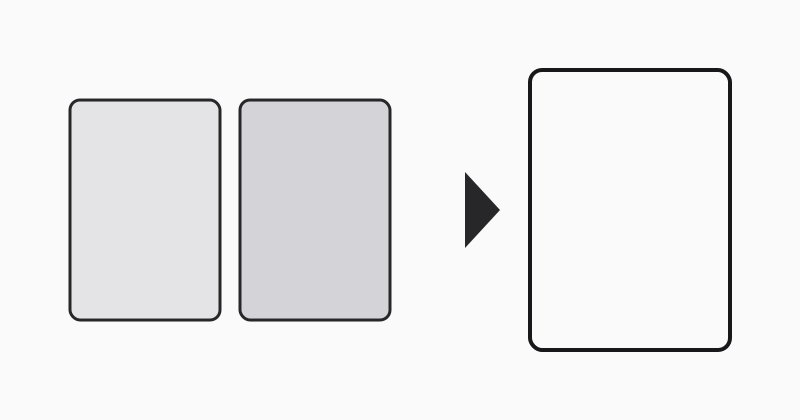
Order files like the inspector reads them
Typical rebate checklists start with signed application cover, then building permit, electrical permit, final invoice with module serial numbers, utility interconnection letter, and optional photo appendix. Rename downloads with numeric prefixes (01-application, 02-building-permit) before merging so alphabetical file pickers do not swap permit and invoice. If your county emails permit and inspection report separately, merge permit before inspection sign-off pages so reviewers see approval chronology.
Verify the merged PDF has no tool watermark
Scroll every page of the downloaded merge before uploading to the rebate portal—some free converters stamp diagonal logos across scans that trigger automatic rejection as “marketing material.” LovePDF returns only your source pages in concatenation order. If a page looks blank, reopen the original single-page PDF; county scanners sometimes insert separator sheets you may remove with delete-pages before merging rather than shipping empty pages to reviewers.
Compress once if the portal rejects size
Photo appendices and color permit scans inflate merged size quickly. Run one compression pass on the finished packet rather than compressing each source file twice—double compression softens small text on invoice serial numbers reviewers must match to module labels. If still over limit, split photo exhibits into a second allowed upload slot when the program permits attachments, instead of over-shrinking permit text below readable thresholds.
Workflow
Collect permit, invoice, and interconnection PDFs, rename with 01- prefixes in checklist order, open Merge PDF on LovePDF, upload all files, download the merged PDF, scroll to confirm no watermark pages, compress once if needed, then submit to the utility rebate portal.
Related tools
If photos need reordering first use Compress PDF, Organize PDF. See Compress PDF for email under 25 MB; Merge PDFs for construction bid portal upload for portal upload tips.
Try this tool
Merge PDFRelated topic hubs
Short guides around searches that match this article — each links to a suggested PDF tool.