Unir PDF (and “unir odf” typos) for LATAM public filings: complete guide
Published
How Ecuador and Latin America users combine scanned annexes for municipal and public portals—order, quality checks, and LovePDF merge workflow.
Thousands of Spanish searches hit unir pdf every week; a noticeable slice types unir odf by mistake—OpenDocument vs PDF. The intent is the same: one file for a government or employer portal. LovePDF Merge PDF at lovepdf.lt works on any modern browser without installing LibreOffice or Acrobat.
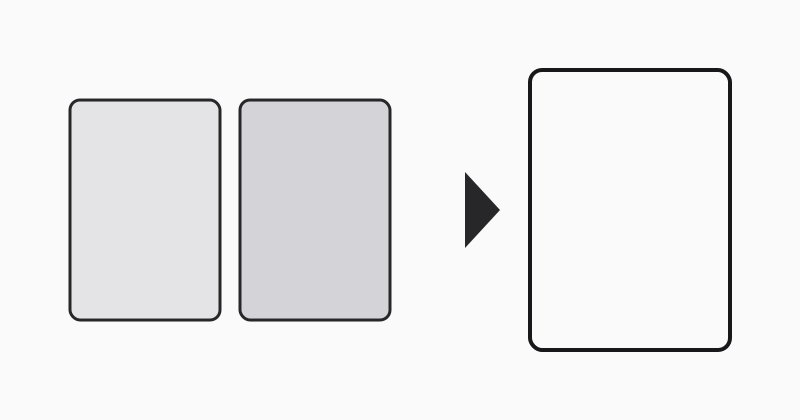
Typical LATAM filing stacks
Municipal tax forms, labor contracts, and university enrollment packets mix: ID scan, proof of address, notarized pages, and a Word export saved as PDF. List each piece on paper with page numbers before merging.
Why alphabetical upload fails
File dialogs sort Anexo-A before Portada. Prefix with 01-portada, 02-anexo when names collide. After merge, scroll the PDF once—portals rarely tell you which page was wrong.
Scanned vs vector pages
Vector PDFs from Word stay sharp when zoomed; phone scans of stamped pages may look soft. Re-scan instead of merging twice. If total size exceeds the portal cap, merge first, then one Compress PDF pass—not the other way around.
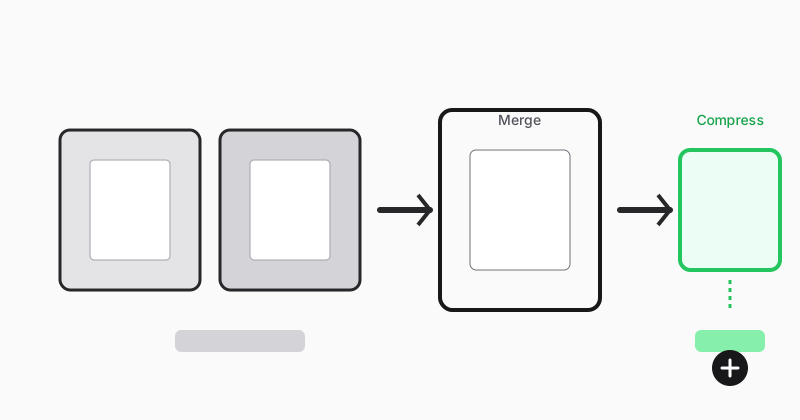
LovePDF workflow
- Export or scan each annex as PDF.
- Open Merge PDF in order.
- Download
Tramite-2026-v1-unido.pdf. - Verify signatures at 100% zoom.
- Compress once if needed; upload before the deadline window closes.
Related: merge scanned labor contracts, merge multiple PDFs online.
Try this tool
Merge PDFRelated topic hubs
Short guides around searches that match this article — each links to a suggested PDF tool.